

Version 7.2 and higher for clients Version 7.4 and higher for locations
After a contact person has been created in the system, it is possible that data may change and that the contact person therefore needs to be changed.
Required
- User right 12.1: ‘Allow editing of location information’, for location contact persons
- User right 6.10: ‘Contact persons: editing’, for client contact persons
Attention!
It is not possible to change the details of an imported contact person or to supplement its details from within Serviceware Resources.
Change a contact person’s details
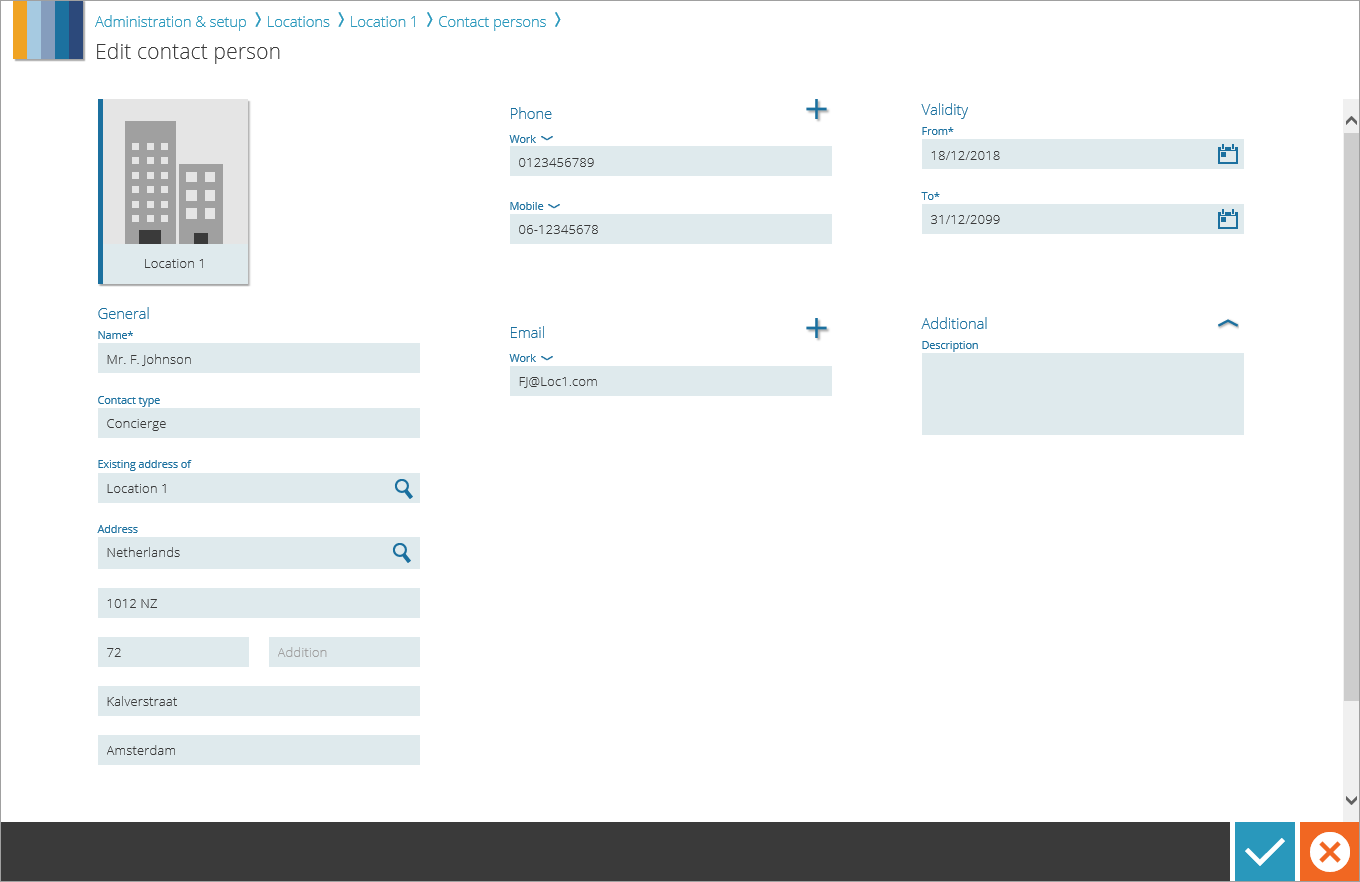
After selecting a contact person from the contact persons overview, the ‘Edit’ button appears on the action bar. The ‘Edit contact person’ page will open. All the contact person’s information can be changed here.
Attention!
A change in a contact person may affect the sending of appointment notifications. For example, if the address of a client’s contact person changes and if this is also the address to which the appointment confirmation letter is normally sent, the changed address will be used correctly for letters generated in the future.
However, if the letter was already generated (waiting to be sent in the notification queue) at the time of the address change, the old, unchanged address will still be used here. So take into account some processing time of the new data and check the notification queue for this client.